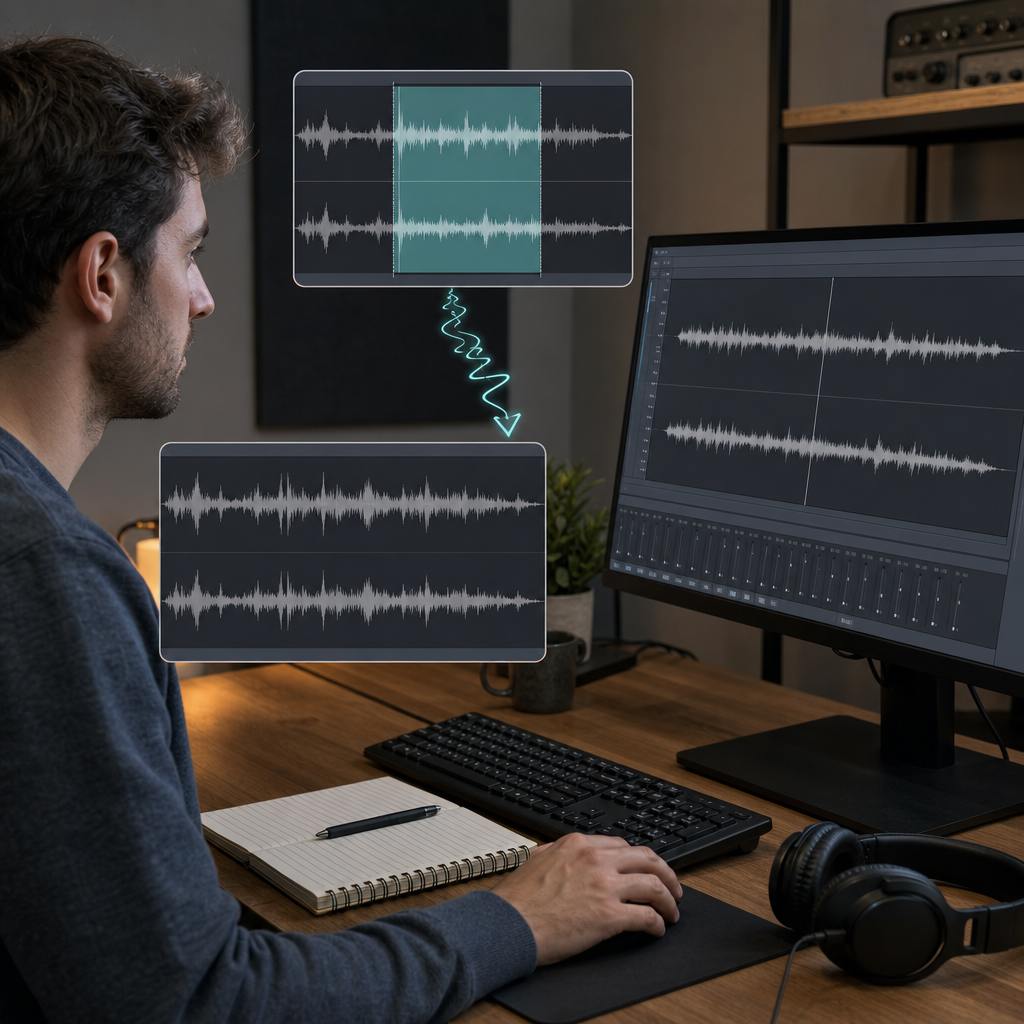
Constant
Hum, hiss, fans, and air conditioning
Steady noise is often the easiest to reduce because its character remains similar beneath the voice.
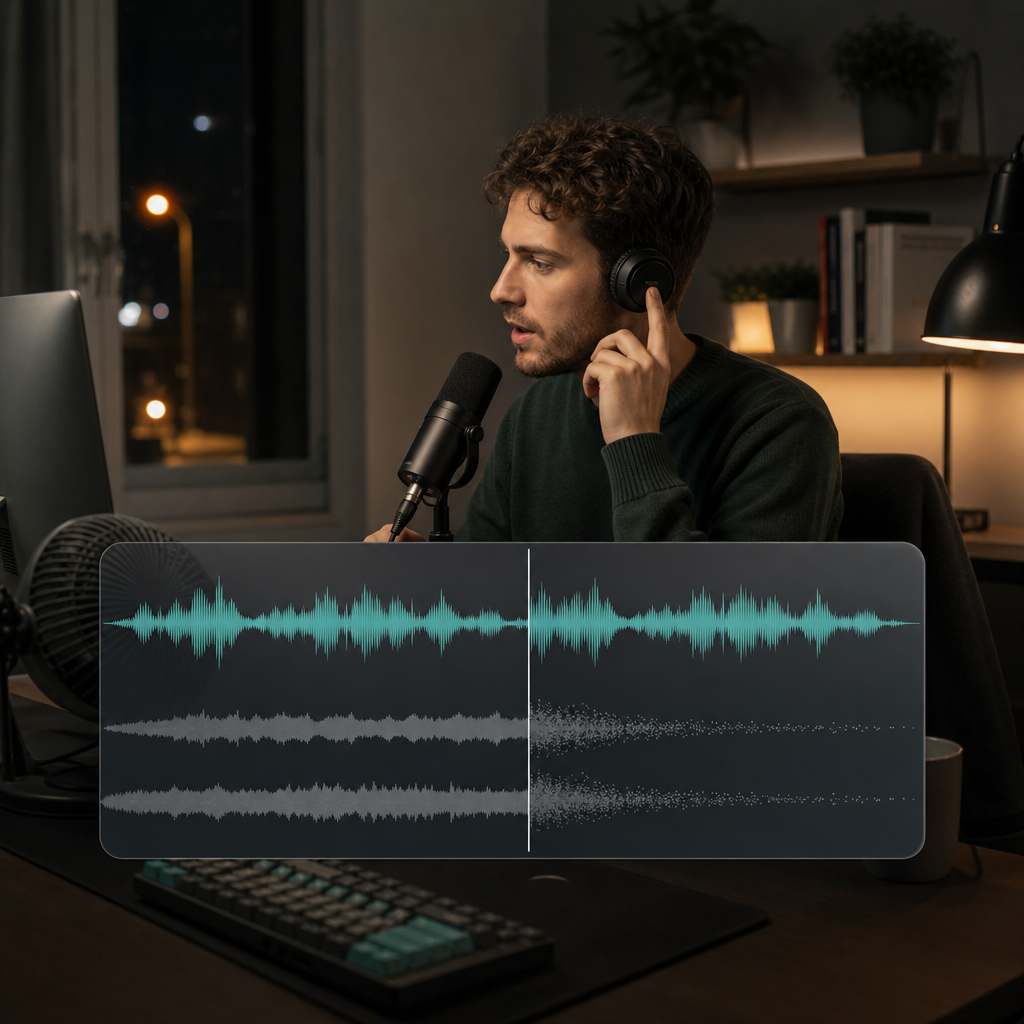
To learn how to remove background noise, first identify whether it comes from the room, microphone, electrical equipment, wind, traffic, or other people. Improve the source when possible, then reduce only enough noise to make speech easier to hear without metallic, watery, or pumping artifacts.
Different noise patterns require different expectations and listening checks.
Constant
Steady noise is often the easiest to reduce because its character remains similar beneath the voice.
Changing
Moving or intermittent sound overlaps speech unpredictably and may leave more audible remnants.

Acoustic
Reflections are not simply a layer beneath the voice; they are part of the voice signal and often require source-side improvement.

Finding the stage where the problem begins helps you choose the most effective response.
ROOM
Fans, traffic, hard walls, open windows, and nearby activity shape the sound before it reaches the microphone.
MIC
Distance, direction, input level, handling, and microphone quality determine the voice-to-noise ratio.
CHAIN
Cables, power, interfaces, adapters, and preamps can add hum, hiss, or buzz.
Every improvement made at the source preserves more natural speech later.
A stronger direct voice lets you record at a lower gain and reduces the relative level of the room.
Turn off fans, close windows, move devices, and wait for temporary activity when the recording can be repeated.
Curtains, rugs, furniture, and closer placement can reduce room reflections that processing struggles to separate from speech.
Manual editors and AI-assisted reduction solve different levels of complexity.
Fast treatment
Useful when dialogue is understandable and the main need is a cleaner, calmer background with minimal setup.
Manual control
A practical option when you want to sample a constant noise and adjust the reduction yourself.
Detailed restoration
Premiere Pro, DaVinci Resolve, and specialist audio tools offer deeper control for severe, changing, or highly valuable recordings.
Steady technical noise, changing environments, and room reflections require different expectations and controls.
“A steady laptop fan beneath a clear lecture is a strong candidate for straightforward denoise.”
Lecture recording
Constant broadband noise
“A street interview with buses, wind, and nearby voices needs careful reduction and realistic expectations.”
Outdoor interview
Changing environmental noise
“A distant microphone in a reflective room needs better placement as much as later processing.”
Room recording
Capture and acoustics
Use a conservative first pass and evaluate the speech before increasing strength.
Name the main problem and find where it is easiest to hear without speech.
Lower the distraction while leaving voice body, consonants, breaths, and natural pauses intact.
Check loud and soft words, pauses, and sentence endings before accepting the result.
The background may become quieter while the voice becomes less believable.
WATER
Speech develops a watery or phase-like character, especially around vowels.
METAL
S and T sounds become sharp, thin, or detached from the rest of the voice.
PUMP
Noise rises and falls noticeably between words instead of settling smoothly.
The listening goal stays consistent, but duration, playback device, and recording context change what deserves attention.
Audio
Podcasts, interviews, and lessons should remain natural through headphones and speakers over time.
Short speech
Voice notes and short interviews reveal whether transient noise or aggressive processing damaged important syllables.
All formats
These details reveal whether useful speech was removed along with the noise.
Choose a subscription for steady production or buy credits when you need flexible generation.
Source type, voice-to-noise ratio, and acceptable ambience determine the practical result.
Not always. Noise can often become much less noticeable, but complete silence is neither realistic nor desirable when it damages speech or removes believable ambience.
Steady hum, hiss, fans, and air conditioning are usually easiest because their spectrum changes slowly. Crowds, overlapping voices, gusts, and traffic are less predictable.
No. Echo is attached to speech through reflections, so closer microphone placement, softer room surfaces, and a stronger direct voice are especially important.
Audacity offers manual control for steady noise, while AI-assisted reduction can provide a shorter path for routine speech cleanup.
The reduction may be too strong, the source may have a weak voice-to-noise ratio, or the noise may overlap heavily with speech.
Stop when the message is clearly easier to hear and additional reduction begins changing the speaker's natural tone.
Source improvement and careful listening protect more of the original performance.
“Moving a microphone closer can improve clarity more naturally than a stronger reduction applied later.”
Capture setup
Voice-to-noise ratio
“A little smooth room tone often sounds better than speech surrounded by artificial silence.”
Final review
Natural ambience
Apply the listening checks from this guide to a recording affected by hum, hiss, room noise, wind, or traffic.