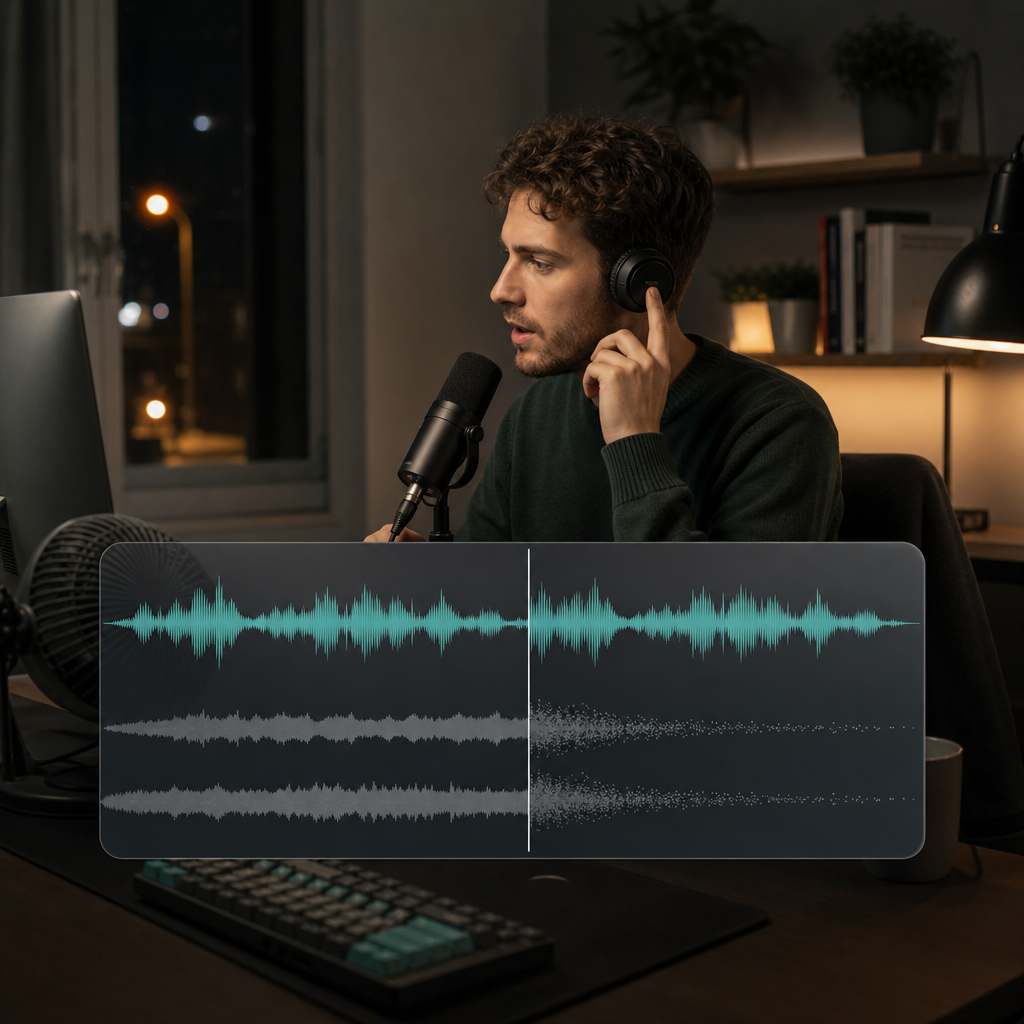
Enhance
Lift weak or distant speech
Bring definition and presence back to narration, meetings, lessons, and voice notes that sound flat or far from the microphone.
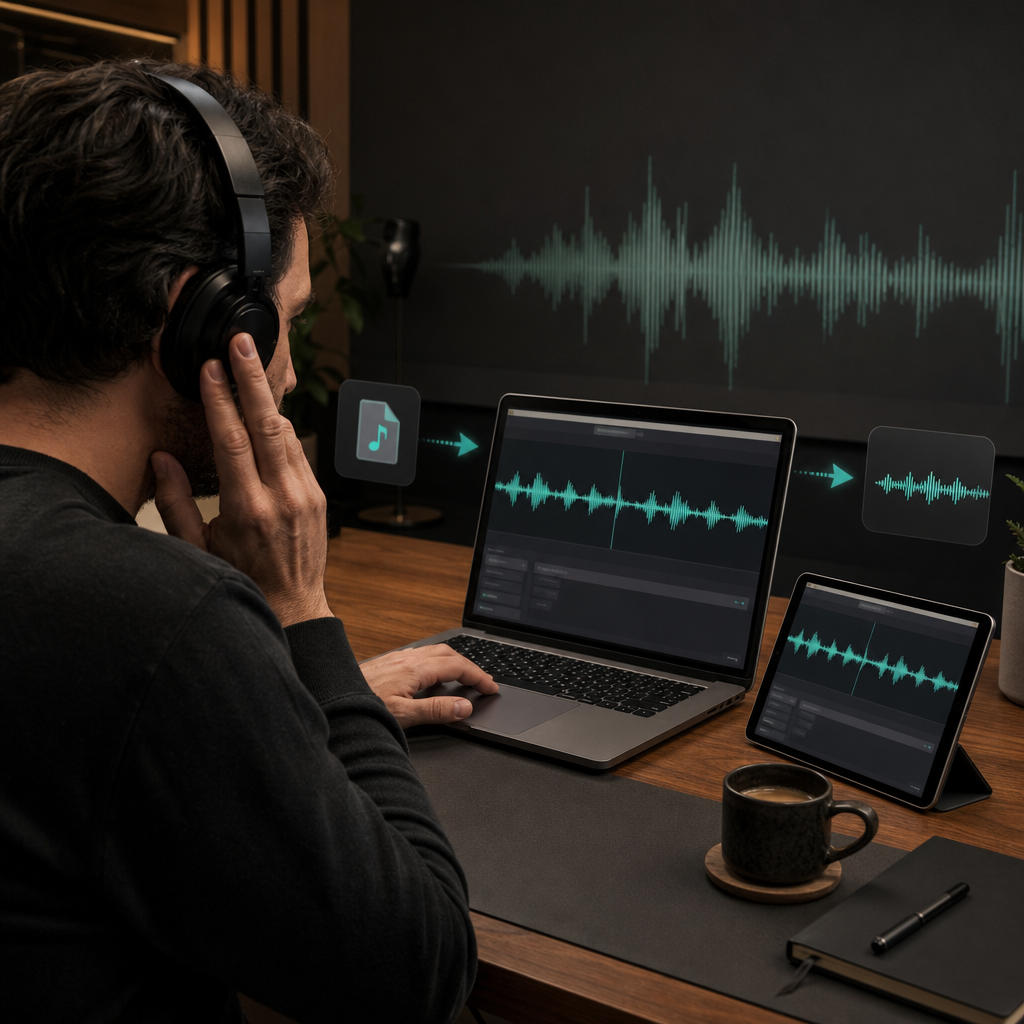
An audio enhancer improves intelligibility, presence, and tonal consistency when useful sound is masked, weak, or uneven. Clean podcast takes, voice notes, interviews, lessons, music, and MP3 recordings directly in the browser.
Different recordings fail in different ways. Start with the symptom you can hear.
Enhance
Bring definition and presence back to narration, meetings, lessons, and voice notes that sound flat or far from the microphone.
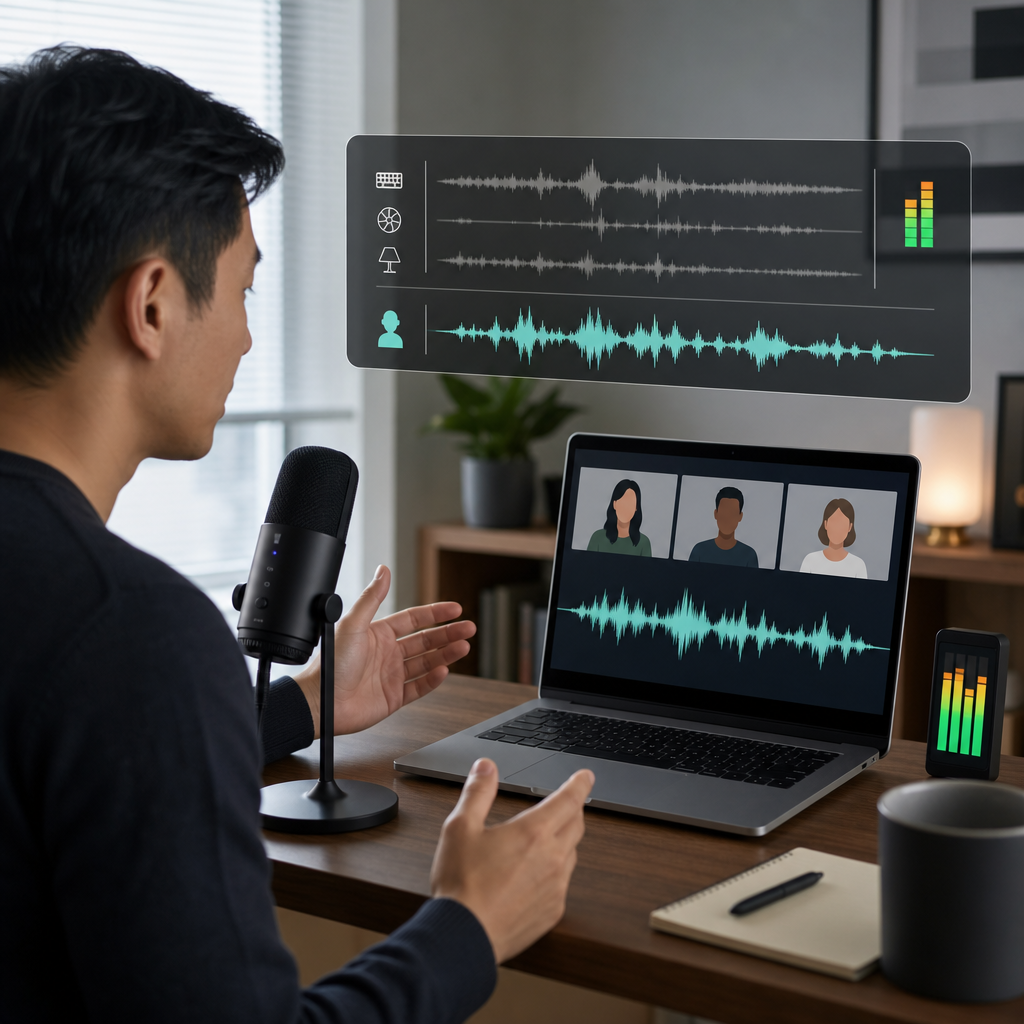
Clean
Lower fan hum, hiss, traffic, wind, and room distractions while keeping the speaker natural and intelligible.
Separate
Pull spoken or sung vocals forward when background music competes with the part you need.
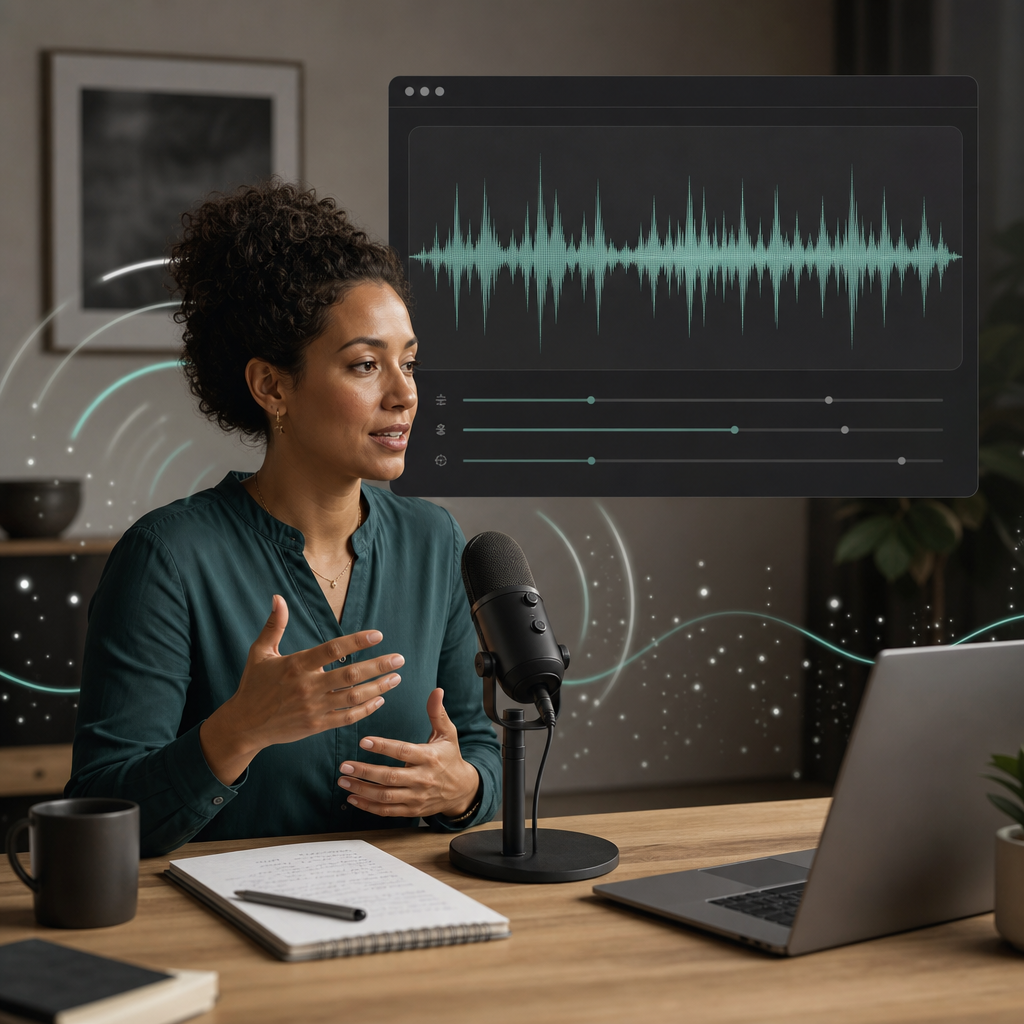
The strongest improvement is not a louder file. It is a recording that asks less effort from the ear.
CLEAR
Listeners spend less energy decoding speech and more energy following the message.
CALM
Noise becomes less noticeable without turning the recording unnaturally silent.
READY
Tone, presence, and consistency improve enough for publishing, sharing, or further editing.
Use the same listening discipline whether you are cleaning a podcast, an interview, or a voice memo.
Decide whether the real problem is weak speech, steady noise, music overlap, electrical hum, or missing level at the beginning or end.
Focus on intelligibility, voice presence, or separation instead of expecting every part of the recording to change at once.
Choose the version that is easier to hear while preserving believable breath, tone, and room character.
Audio quality matters anywhere a voice carries information, emotion, or trust.
Creators
Give spoken content a steadier tone and reduce distractions that make an otherwise useful take feel unfinished.
Work
Make important speech easier to follow when the original capture came from a laptop, phone, or untreated room.
Learning
Improve long-form listenability so students can focus on the explanation rather than the recording conditions.
These recording examples distinguish weak voice, competing noise, and mixed music before any processing decision is made.
“The lesson is understandable, but the laptop microphone makes the instructor sound distant.”
Lesson recording
Voice enhancement
“The interview has a strong answer, but street noise keeps pulling attention away from it.”
Field interview
Noise reduction
“The voiceover is buried under music and needs a cleaner speech-focused version.”
Mixed audio track
Voice isolation
Good audio work should make the content more present without drawing attention to the treatment.
Speech detail should become clearer without sharp edges, watery tails, or missing syllables.
Backgrounds should settle smoothly instead of pumping between noise and artificial silence.
Headphones reveal artifacts, while laptop and phone speakers reveal whether the message remains easy to understand.
Enhancement is successful only when it improves clarity without sacrificing the character of the recording.
TONE
A polished speaker should still sound like the same person.
SPACE
A small amount of room sound can feel more natural than an aggressively empty background.
FLOW
Level and presence should remain comfortable from the first sentence to the last.
Choose a focused path when the recording problem is already clear.
Voice quality
Enhance MP3 and speech-led recordings in a browser on PC, Windows, or Mac without installing heavyweight desktop software.
Noise
Reduce hum, hiss, wind, traffic, and other competing sound.
Separation
Extract voice or create cleaner vocal and instrumental layers.
Choose a subscription for steady production or buy credits when you need flexible generation.
The useful answer depends on what remains recoverable in the original recording.
An AI audio enhancer can improve voice presence, intelligibility, tonal balance, and consistency when speech is present but masked, weak, or uneven.
Yes. It can reduce steady and changing distractions around speech while preserving enough natural room tone for the result to remain believable.
Yes. Voice and music separation can produce a speech-focused layer, an acapella, or an instrumental-focused result, although dense overlap may leave audible bleed.
No. Strong processing cannot fully replace good microphone placement, a quiet room, or an unclipped source, but it can make many everyday recordings significantly easier to hear.
Compare against the original and stop when clarity improves without making the voice metallic, thin, or unnaturally bright.
Choose enhancement for weak tone, noise reduction for competing sound, music removal for mixed layers, and hum removal for steady electrical buzz.
The best result depends on where the recording will be heard.
“A tutorial needs steady clarity because listeners may follow it on small speakers in a noisy room.”
Tutorial audio
Intelligibility
“A podcast needs natural tone because aggressive treatment becomes tiring across a full episode.”
Podcast audio
Long-form listenability
Improve the voice, calm the background, and compare the result before choosing the version that feels ready.